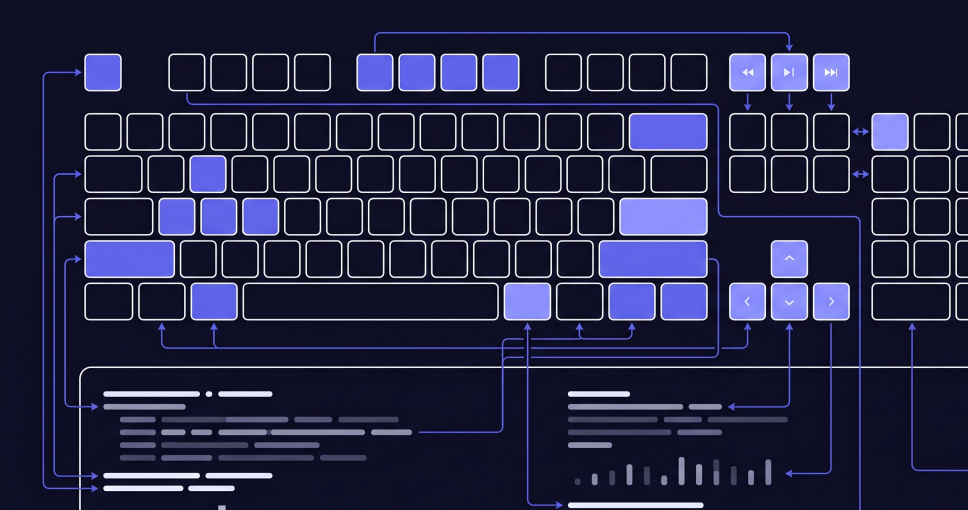
Keyboard shortcuts
UnionTerminal uses Control+Shift for layout shortcuts on Mac (not Command). Preview zoom and in-document find use Command on Mac (⌘+scroll, ⌘F). Recent-file cycling works in the docked preview rail and in focus view.
| Action | Windows / Linux | macOS |
|---|---|---|
| New terminal | Ctrl+Shift+T | ⌃⇧T |
| Toggle sidebar | Ctrl+Shift+B | ⌃⇧B |
| Toggle file preview rail | Ctrl+Shift+F | ⌃⇧F |
| Toggle clipboard rail | Ctrl+Shift+K | ⌃⇧K |
| Hide/show all right rails | Ctrl+Shift+H | ⌃⇧H |
| Layout: single / columns / rows / grid | Ctrl+Shift+1 / 2 / 3 / 4 | ⌃⇧1 / 2 / 3 / 4 |
| Split active panel (above / below / left / right) | Ctrl+Alt+↑ / ↓ / ← / → | ⌃⌥↑ / ↓ / ← / → |
| Balance pane sizes (equal splits) | Right-click menu | Right-click menu |
| Toggle focus view (preview open) | Ctrl+Shift+O | ⌃⇧O |
| Launch Satellite (float a session) | Tab ✦ button · sidebar · right-click | Tab ✦ button · sidebar · right-click |
| Dock focused Satellite to UnionTerminal | Ctrl+Shift+D | ⌘⇧D |
| Summon / hide all Satellites | Ctrl+Alt+S | ⌘⌥S |
| Collapse Satellite to a Beacon · click chip to expand | Chrome button | Chrome button |
| Paste a screenshot's path into the terminal | Ctrl+V (image on clipboard) | ⌘V (image on clipboard) |
| Preview file from path link | Click | Click |
| Path actions (Preview · Open · Show in · Copy) | Hover or right-click | Hover or right-click |
| Preview highlighted path (no auto-link) | Shift+click · Ctrl+click · Alt+click · middle-click | Shift+click · ⌘+click · Option+click · middle-click |
| Open file from path link | Ctrl+click | ⌘+click |
| Reveal path in Explorer / Finder | Ctrl+Shift+click | ⌘+Shift+click |
| Copy path from link | Alt+click · middle-click | Option+click · middle-click |
| Open URL in browser | Click | Click |
| Copy URL from link | Alt+click · middle-click | Option+click · middle-click |
| Paste in terminal | Ctrl+V · Ctrl+Shift+V · Shift+Insert | ⌘V · ⌘⇧V |
| Copy terminal selection | Ctrl+C (when selected) · Ctrl+Shift+C · Ctrl+Insert | ⌃C · ⌃⇧C |
| Select all terminal scrollback | Ctrl+A | ⌘A |
| Toggle mark mode (keyboard selection) | Ctrl+Shift+M | ⌃⇧M |
| In mark mode: move cursor | Arrow keys · Home · End · PgUp · PgDn | Arrow keys · Home · End · PgUp · PgDn |
| In mark mode: extend selection | Shift+Arrow · Shift+Home · Shift+End · Shift+PgUp · Shift+PgDn | ⇧Arrow · ⇧Home · ⇧End · ⇧PgUp · ⇧PgDn |
| In mark mode: select to buffer start / end | Ctrl+Shift+Home · Ctrl+Shift+End | ⌃⇧Home · ⌃⇧End |
| Extend existing terminal selection | Shift+Arrow · Shift+Home · Shift+End (mark mode off) | ⇧Arrow · ⇧Home · ⇧End |
| Copy mark-mode selection and exit | Enter | Enter |
| Clear selection / exit mark mode | Esc | Esc |
| Open recent files menu (preview header) | Click clock icon | Click clock icon |
| Zoom document preview | Ctrl + scroll | ⌘ + scroll |
| Find in document (preview / focus) | Ctrl+F | ⌘F |
| Next / previous find match | Enter / Shift+Enter · F3 / Shift+F3 | Enter / Shift+Enter · F3 / Shift+F3 |
| Show/focus app (default) | Ctrl+Alt+U | ⌃⌥U |
| Ask about selection (preview) | / when hint visible | / when hint visible |
| Send cited selection in terminal (run) | Enter | Enter |
| Insert cited selection in terminal (no run) | Ctrl+Shift+Enter | ⌘⇧Enter |
| New line in ask input | Shift+Enter | ⇧Enter |
| Move up in recents list (preview) | Ctrl+Shift+← | ⌃⇧← |
| Move down in recents list (preview) | Ctrl+Shift+→ | ⌃⇧→ |
| Close find bar (preview / focus) | Esc | Esc |
| Dismiss preview / exit focus / close panels | Esc | Esc |
| Rename terminal tab | Double-click tab | Double-click tab |